
Ultimate Laptop Buying Guide 2026: The Complete Handbook for Every User
Today, buying a laptop is no longer just a simple errand; it is a long-term investment in your productivity, learning, entertainment, and professional growth. As technology advances at an unprecedented rate, the market is overflowing with options, jargon, and marketing claims. From powerful workstations and sleek ultrabooks to ultra-budget devices and AI-integrated machines, choosing the exact model that fits your unique lifestyle can feel overwhelming. Whether you are a student preparing for college, a creative professional editing high-resolution video, or a business executive constantly on the move, finding a machine that balances performance, battery life, and cost-effectiveness is vital. This comprehensive guide breaks down everything you need to know about navigating the modern computer landscape, evaluating hardware specifications, comparing top brands like HP and Apple, and making a smart purchase decision in 2026.
Understanding Your Core Needs: What to Consider Before Buying
Before jumping into brand comparisons or falling for eye-catching discount banners, the first and most crucial step in any laptop purchase is evaluating your actual personal requirements. Users often make the mistake of either drastically overspending on cutting-edge hardware they will never fully utilize, or underspending on budget machines that quickly become sluggish and obsolete. To make a balanced decision, you must consider several fundamental factors including display quality, processing power, random-access memory (RAM), storage velocity, port selection, build durability, and overall physical portability. Identifying your primary use case—such as casual web browsing, heavy office multitasking, competitive gaming, or content creation—will instantly narrow down hundreds of confusing choices to a manageable few.
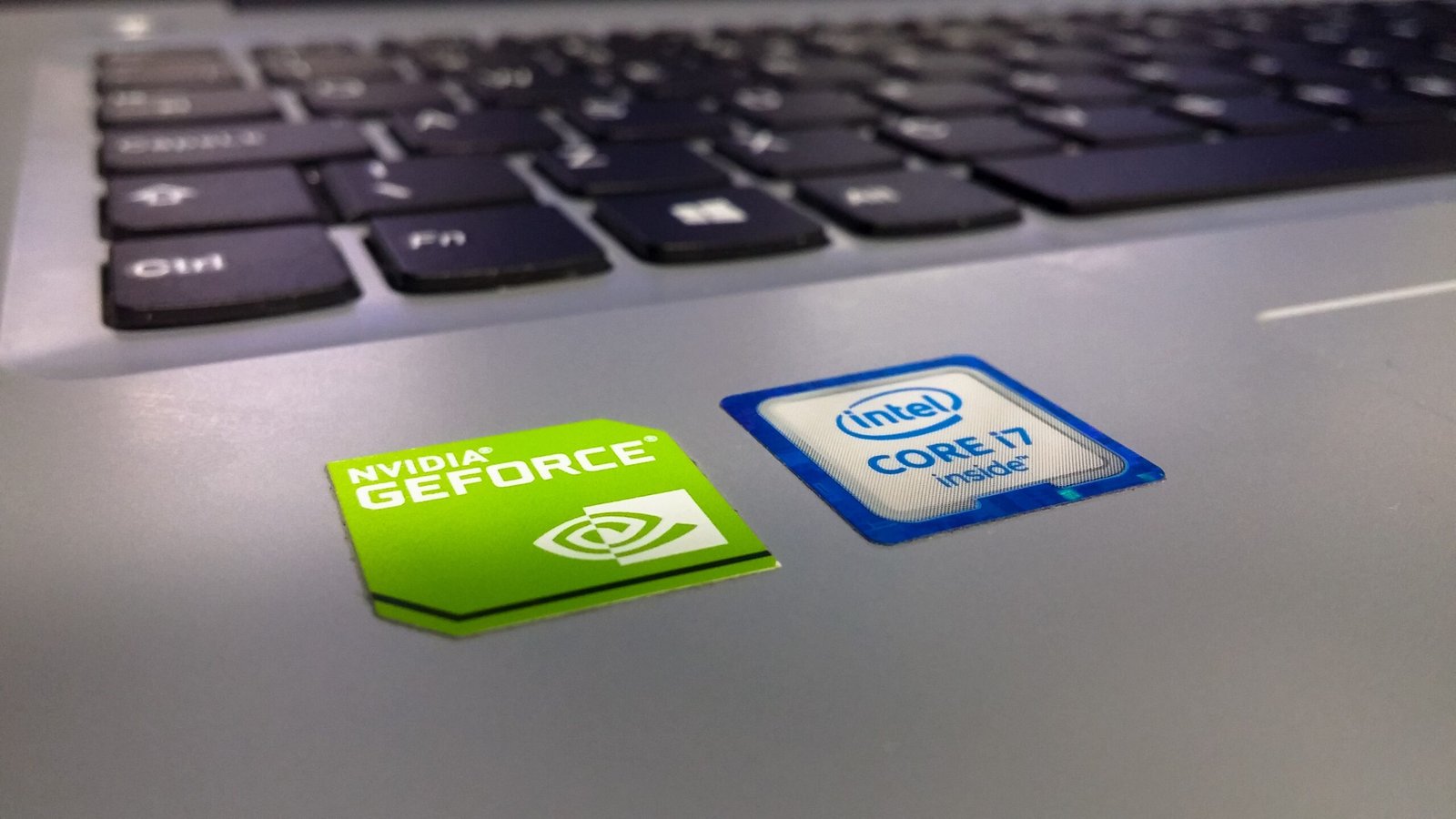
The central processing unit (CPU) serves as the digital brain of your laptop, determining how fast your system handles applications and processes complex multitasking commands. In 2026, the laptop market features intense competition between Intel, AMD, and Apple Silicon, alongside newer ARM-based Qualcomm Snapdragon chips optimized for light Windows laptops. For basic tasks like streaming media, document editing, and online classes, mid-range processors like an Intel Core i5, AMD Ryzen 5, or an entry-level ARM processor provide exceptionally smooth performance without consuming excessive energy. However, if your daily workflow involves heavy code compiling, 3D rendering, complex financial modeling, or high-end video editing, investing in powerful multi-core processors like the Intel Core i7/i9, AMD Ryzen 7/9, or Apple’s Pro/Max chips is essential to avoid productivity bottlenecks.
Memory and storage are equally vital components that directly dictate your device’s daily responsiveness and longevity. RAM determines how many applications, browser tabs, and background programs your system can run simultaneously without freezing. While 8GB of RAM was considered sufficient in previous years, modern software and memory-heavy web browsers make 16GB of RAM the recommended starting baseline for long-term comfort and fluid performance. For heavy creative workflows or advanced gaming, 32GB or more is ideal. Furthermore, solid-state drives (SSDs) have entirely replaced traditional hard drives, offering blazingly fast system boot times and instant file transfers. When selecting storage capacity, aim for at least 512GB of PCIe NVMe SSD storage so you don’t run out of space for project files, operating system updates, and personal media collections.
Display aesthetics and physical ergonomics are often overlooked during technical specification comparisons, yet they dictate how comfortable you will feel using your laptop for hours each day. Key factors to evaluate include screen size, resolution, brightness (measured in nits), color accuracy, and refresh rate. A standard 14-inch to 15.6-inch screen with a Full HD (1920×1080) or 2.5K resolution provides an optimal balance between readable screen space and portability. If you frequently work near windows or outdoors, prioritize a display panel with at least 300 to 400 nits of peak brightness. Furthermore, do not underestimate the tactile feel of the keyboard, the precision of the trackpad, and the inclusion of versatile connectivity options like Thunderbolt 4, USB-C Power Delivery, HDMI, and an SD card reader to avoid relying heavily on awkward dongles.
Laptop Buying Guide: How to Choose the Right HP Laptop
HP (Hewlett-Packard) remains one of the world’s most recognized and reliable personal computer manufacturers, offering a vast portfolio designed for diverse user groups and budgets. However, navigating HP’s complex line of branded families—such as Pavilion, Envy, Spectre, Dragonfly, OMEN, Victus, and ProBook/EliteBook—requires an understanding of how each series is targeted. Choosing the right HP laptop involves matching your financial budget and performance expectations with the specific design architecture of these distinct product families. HP constructs machines ranging from budget-friendly plastic clamshells for casual home use to ultra-premium aluminum convertibles built for enterprise deployment and creative artists.
For students, everyday home users, and value-conscious shoppers, the HP Pavilion and HP Envy lineups offer an exceptional compromise between pricing, design, and performance. The HP Pavilion series delivers reliable everyday computing power for typing papers, managing family budgets, and streaming high-definition media, making it an excellent starting choice for cost-conscious families. On the other hand, the HP Envy lineup steps up the premium factor with all-metal chassis designs, brighter visual displays, better audio systems, and longer-lasting batteries. Envy laptops are ideal for university students and remote workers who want near-flagship performance, elegant aesthetics, and flexible 2-in-1 touchscreen functionality without paying top-tier flagship prices.
If you are looking for executive-level design, maximum portability, and top-tier display technology, HP’s flagship consumer and business lineups represent the pinnacle of Windows hardware. The HP Spectre x360 series has long set the benchmark for luxury 2-in-1 convertible laptops, combining gem-cut metal aesthetics with stunning OLED displays, pen support, and class-leading battery life. For corporate executives and traveling professionals, HP’s EliteBook and Dragonfly series provide ultra-lightweight carbon fiber or magnesium frames paired with hardware-level security suite features like HP Wolf Security, privacy screens, and cellular connectivity options. These premium lines guarantee high durability, silent thermal performance, and exceptional typing comfort during long work hours.
Gamers and heavy content creators should turn their attention toward HP’s dedicated gaming tiers: Victus and OMEN. The HP Victus line is crafted as an accessible entry point for mainstream gamers, offering solid dedicated graphics processors (GPUs), high-refresh-rate screens, and reliable cooling systems at competitive price points. For enthusiast gamers and professional digital creators requiring maximum thermal throughput, HP OMEN laptops provide top-tier hardware configurations, customizable RGB keyboard lighting, advanced vapor chamber cooling systems, and robust software controls to push hardware limits safely. Understanding these HP sub-brands allows you to pinpoint the exact machine tailored to your functional needs and avoid unnecessary expenditure.
The Best MacBook to Buy in 2026: Comparing the Air, Neo, and Pro
Apple’s laptop lineup in 2026 continues to dominate the premium market thanks to the incredible performance efficiency, silent operation, and extraordinary battery endurance delivered by Apple Silicon architecture. However, choosing between the newly expanded Mac notebook family requires understanding the unique position of each model line. The current dynamic features three major tiers: the ultra-accessible MacBook Neo designed for entry-level tasks, the world-famous MacBook Air built as the ultimate portable all-rounder, and the high-powered MacBook Pro crafted specifically for rigorous creative and engineering workflows. Selecting the right MacBook depends on balancing your workload intensity against your portability preferences and overall budget.
The MacBook Air remains the absolute sweet spot for the vast majority of consumer buyers, students, remote workers, and everyday business travelers. Available in compact 13-inch and versatile 15-inch screen sizes, the MacBook Air features a fanless, whisper-quiet design while delivering blistering CPU speed and multi-day battery endurance. Its thin aluminum unibody, vibrant Liquid Retina screen, exceptional Magic Keyboard, and smooth trackpad make it one of the most pleasurable laptops to carry every day. Unless you are running continuous, hour-long thermal rendering tasks or requiring multiple external monitor connections, the MacBook Air handles everyday multitasking, light photo editing, software development, and video playback with effortless grace.
For budget-conscious students, casual users, and buyers entering the Apple ecosystem for the first time, the lightweight MacBook Neo serves as an ultra-accessible entry point. Focused on core daily functions like web research, word processing, video calling, and media consumption, the Neo provides high efficiency and legendary Apple build quality without the premium price tag. While it sacrifices heavy GPU horsepower, complex active cooling fans, and high port diversity compared to its larger siblings, it compensates by offering unmatched power efficiency, instant wake times, and an astonishingly portable footprint that easily slips into any backpack or shoulder bag.
For professional creative artists, video editors, software engineers, and digital architects, the 14-inch and 16-inch MacBook Pro models represent the undisputed gold standard in mobile computing power. Powered by Apple’s high-tier Pro and Max series processors, the MacBook Pro features active fan cooling systems that allow sustained peak performance for hours without thermal throttling. Additionally, the Pro lineup boasts stunning ProMotion mini-LED screens with high refresh rates and deep contrast ratios, a generous selection of ports including HDMI, SD card reader, and multiple Thunderbolt connections, and studio-grade audio systems. If your career or business depends on rendering 8K video timelines, compiling massive software builds, or processing heavy data sets, the MacBook Pro is an indispensable tool.
The Power of Discounts: Prioritizing Battery Life and Dependable Performance
With dynamic store discounts, promotional sales, and seasonal clear-outs, certain laptop models occasionally become incredible bargains that smart shoppers should immediately act upon. When a major sales event or price drop hits a well-engineered laptop model, it drastically shifts the price-to-performance ratio in favor of the consumer. A laptop that might have seemed slightly overpriced at its launch MSRP can quickly become the single best value option on the market when discounted. This is particularly true for mid-range laptops that prioritize exceptional battery efficiency, robust thermal designs, and reliable real-world performance over flashy, non-essential gimmicks.
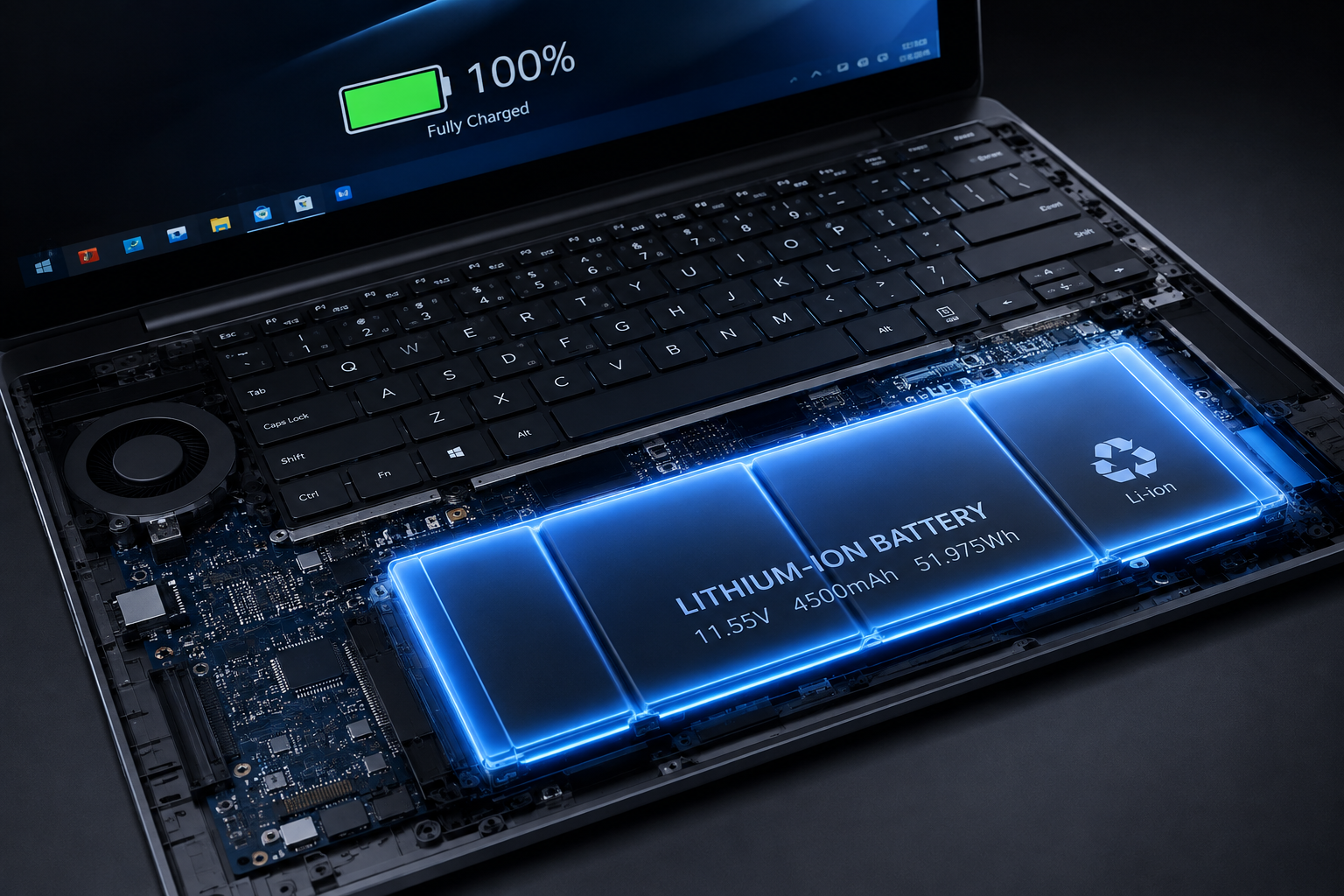
Focusing on dependable long-term performance and real-world battery life ensures that your laptop remains functional and useful throughout long days spent away from wall power outlets. A machine that delivers continuous 12 to 18 hours of real-world battery endurance transforms how you work, eliminating the constant anxiety of searching for power sockets in airport lounges, university lecture halls, or coffee shops. When evaluating discounted hardware options, look past simple benchmark numbers and prioritize laptops built with energy-efficient processors, high-capacity watt-hour batteries, optimized power management software, and durable chassis materials that stand up to daily travel wear and tear.
Securing a laptop that hits this perfect intersection of discounted pricing, all-day battery life, and smooth performance provides peace of mind and incredible return on investment. Rather than chasing bleeding-edge specifications that drain battery life in two hours, choosing a discounted workhorse machine ensures you stay productive during long commutes, power outages, or travel schedules. Always keep an eye out for promotional discounts on proven models from previous hardware generations or mid-tier configurations, as these frequently represent the most intelligent, cost-effective tech purchases you can make.
Need Personalized Assistance or Customized Recommendations?
If you are still undecided on which laptop model, display size, processor configuration, or brand fits your specific workflow and budget, feel free to reach out directly for tailored advice and tech consulting.
Contact & Support Email: support@laptopbuyingguide2026.com
Inquiries & Business Consultations: contact@techspecsauditor.com
Whether you need a custom hardware recommendation for your university degree, guidance on upgrading enterprise fleets for your business, or help finding the best discounted laptop currently available on the market, we are here to help you make an informed decision!

Leave a Reply