
The Ultimate Developer Hardware Guide (2026): Laptops, Workspace Setups, Keyboards, and Store Directory
Setting up a high-performance development environment requires selecting hardware that enhances productivity, prevents fatigue, and minimizes downtime. Whether you are compiling heavy C++ codebases, running containerized microservices in Docker and Kubernetes, training local machine learning models, or crafting sleek web interfaces, your hardware directly impacts your flow state. A well-optimized workstation ensures that software builds run smoothly while keeping you physically comfortable during long coding sessions.
—
## 1. The Best Laptops for Software Engineers and Programmers
Selecting the best laptop for programming involves balancing compute performance, RAM capacity, display quality, thermal throttling, keyboard comfort, and battery efficiency. A modern developer requires a machine that does not slow down when multiple resource-intensive tools, database servers, and browser tabs are open simultaneously.
### Apple MacBook Pro 16-inch & 14-inch
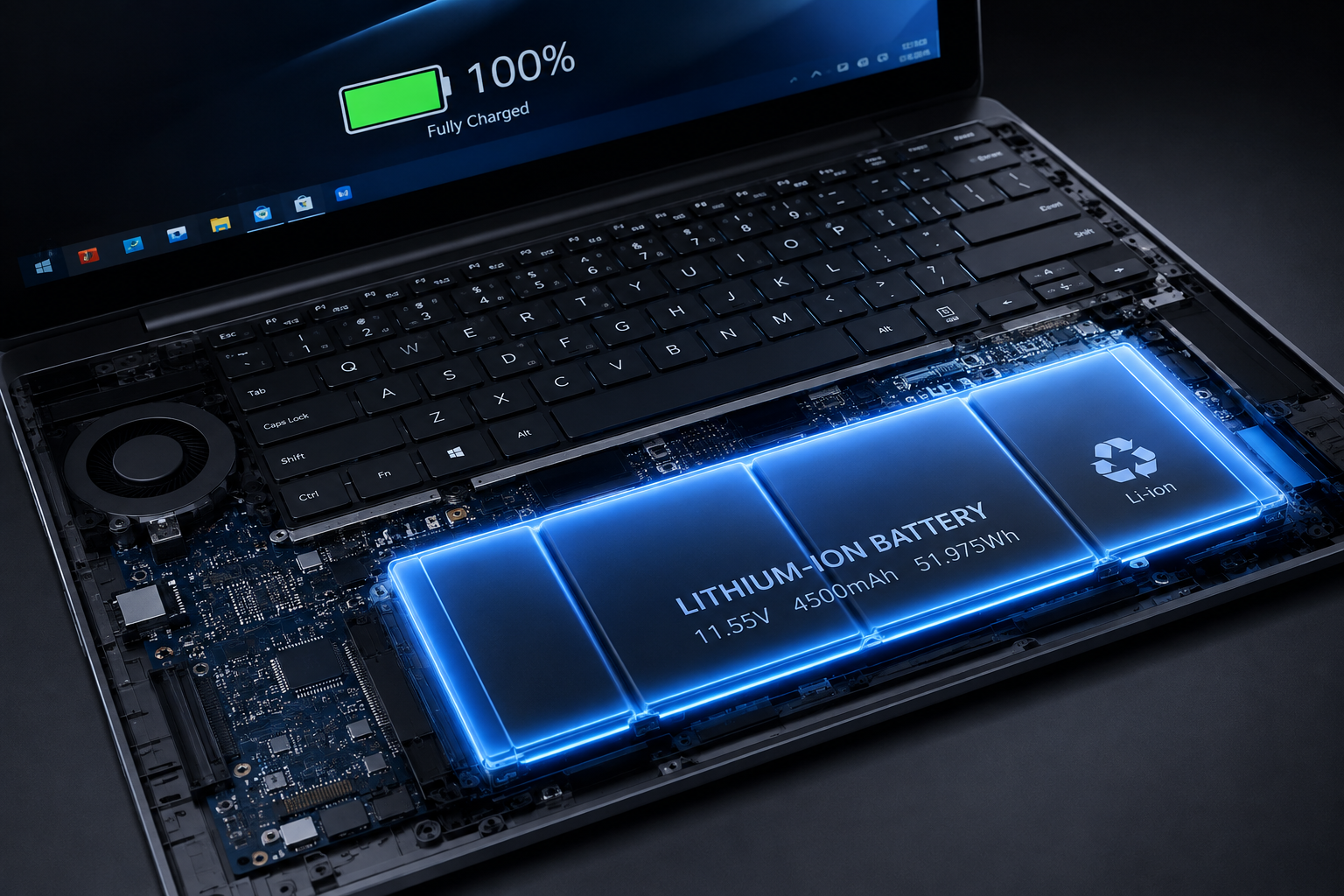
Apple’s M-series Apple Silicon platform remains an industry standard for mobile software development. Powered by M3, M4, or M5 generation chips with unified memory options ranging from 18GB up to 128GB, developers can execute Xcode compilers, local LLMs, multiple Docker containers, and database instances simultaneously without frame drops. Silent fan profiles keep the machine cool during sustained multi-core compilation tasks. The Liquid Retina XDR display running at 120Hz provides crisp text rendering that reduces eye strain, while battery performance remains steady even when unplugged from power. It is an ideal pick for iOS/macOS engineers, mobile app developers using Flutter or React Native, full-stack web developers, and DevOps practitioners.
### Lenovo ThinkPad X1 Carbon & ThinkPad P1
For Linux maintaining, C/C++ systems engineering, and corporate software development, Lenovo’s ThinkPad lineup offers unmatched durability and Linux kernel driver compatibility. Equipped with Intel Core Ultra or AMD Ryzen AI processors, up to 64GB LPDDR5X RAM, and anti-glare 2.8K OLED displays, these laptops provide a superb typing experience. Lenovo collaborates directly with major Linux maintainers to guarantee smooth power states, Wi-Fi performance, and hardware support on distributions like Ubuntu, Fedora, and Arch Linux. Deep key travel and curved keycaps help prevent finger fatigue during continuous typing, while discrete hardware security features keep sensitive enterprise source code protected.
### Dell XPS 16
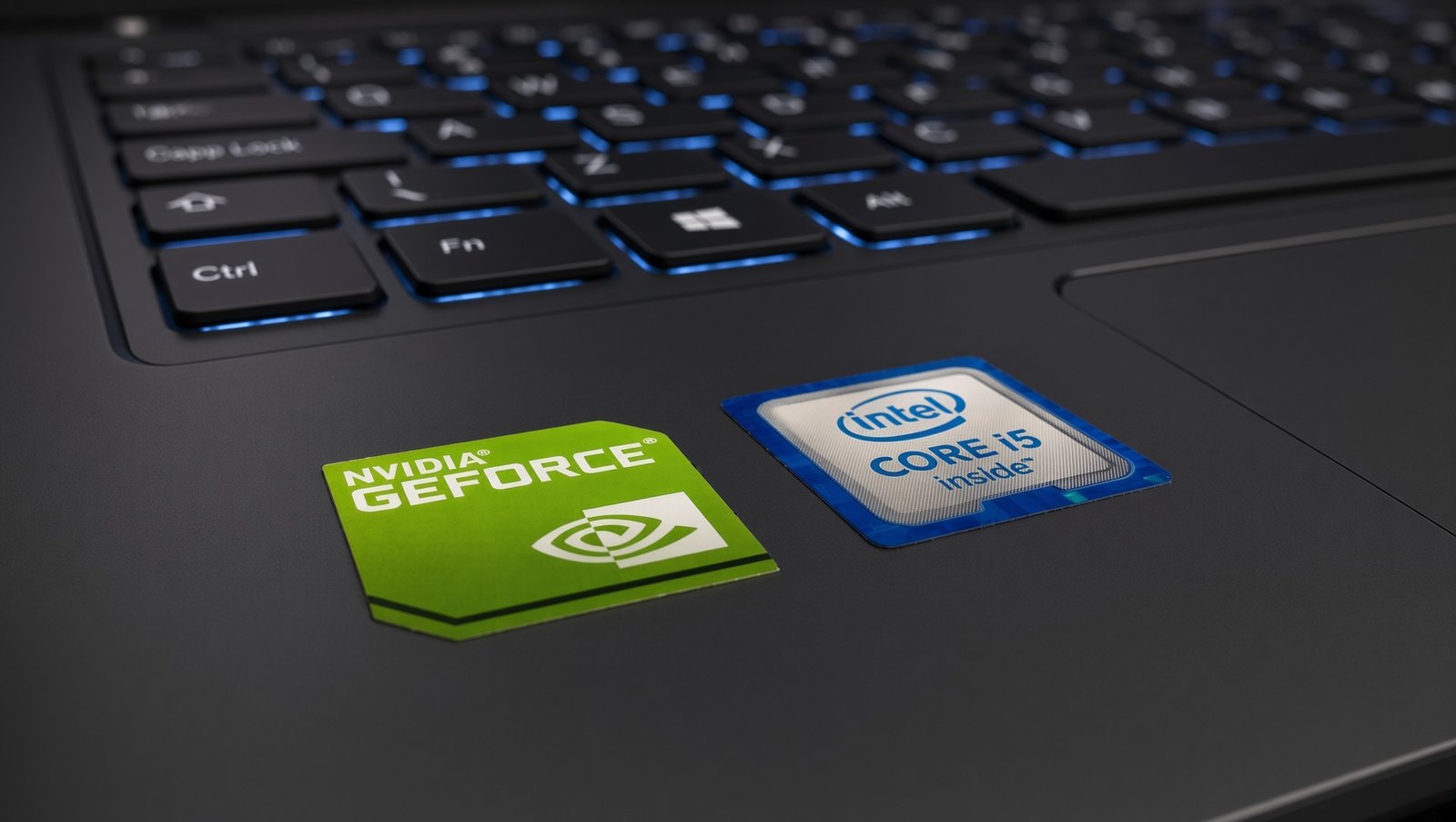
Windows power users and enterprise .NET engineers will find the Dell XPS 16 to be a strong portable workstation. Powered by Intel Core Ultra 7/9 processors paired with discrete NVIDIA GeForce RTX 40-series graphics cards and up to 64GB DDR5 RAM, it handles heavy multi-threaded compilation pipelines and localized database indexing easily. The 16:10 aspect ratio OLED display provides extra vertical screen space for inspecting long lines of code, while the dedicated NVIDIA GPU allows developers to execute CUDA tasks and machine learning scripts directly on their local workstation.
### ASUS ROG Zephyrus G16
Game developers working in Unreal Engine 5 or AI/ML engineers training local PyTorch models require significant VRAM bandwidth and high CUDA core counts. The ASUS ROG Zephyrus G16 pairs high-end AMD Ryzen AI or Intel Core Ultra 9 chips with NVIDIA RTX 4080/4090 GPUs, up to 32GB fast RAM, and a color-accurate 240Hz 2.5K OLED screen. Advanced vapor chamber cooling prevents thermal throttling during long rendering runs, making it a great pick for graphics programmers, game coders, and computer vision researchers.
### Framework Laptop 16
For engineers who value open-source hardware, repairability, and total system modularity, the Framework Laptop 16 offers a unique upgradeable design. Unlike traditional sealed laptops, Framework allows developers to swap out expansion ports, upgrade the motherboard, replace SODIMM RAM modules up to 64GB, and service storage drives independently. Featuring AMD Ryzen AI processors, an optional expansion bay for modular GPUs, and customizable USB-C, HDMI, DisplayPort, and Ethernet modules, it is built specifically for open-source advocates, hardware developers, and Linux enthusiasts.
—
## 2. Building Your Ideal Workspace Setup
A high-performance laptop needs an optimized desk environment to maintain proper posture, screen height, lighting, and cable management during extended engineering sessions.
### Display Visibility & PPI
Developers process thousands of lines of text daily, making high pixel density (PPI) crucial to eliminate font blurriness and reduce eye strain.
* **4K Flat Displays:** Monitors like the Dell UltraSharp U2723QE or U3223QE feature IPS Black technology with high contrast ratios, 90W USB-C power delivery, and integrated RJ45 Ethernet pass-through for a clean single-cable connection.
* **Ultrawide Displays:** Curved monitors such as the LG 38WN95C-W (38-inch UWQHD+) or 49-inch Dual QHD panels replace dual-monitor setups with seamless screen real estate, allowing IDE panels, documentation windows, terminal logs, and browser preview tools to sit side-by-side.
### Ergonomic Desks and Seating
Static sitting for long periods often leads to lower back strain and repetitive wrist fatigue.
* **Standing Desks:** Electric dual-motor desks like the Secretlab MAGNUS Pro or Uplift V2 allow coders to switch between sitting and standing throughout the day with programmable height presets and integrated cable management trays.
* **Ergonomic Chairs:** Commercial-grade chairs like the Herman Miller Aeron or Steelcase Gesture provide dynamic lumbar support, breathable mesh construction, and fully adjustable armrests that maintain proper wrist angles relative to your keyboard.
### Docks, Audio, and Lighting
* **Thunderbolt Docks:** CalDigit TS4 Thunderbolt 4 docking stations supply up to 18 ports, 98W host charging, 2.5Gb Ethernet, and dual 4K display outputs through a single cable connected to your laptop.
* **Desk Lighting:** BENQ WiT e-Reading ScreenBar LED lamps mount directly onto your monitor frame to illuminate your physical desk space without creating screen glare.
* **Noise Cancellation:** Active noise-canceling headphones like the Sony WH-1000XM5 or Bose QuietComfort Ultra help maintain focus in open offices or busy home environments.
—
## 3. The Best Keyboards for Programmers at Every Price
Keyboards serve as a software engineer’s primary input instrument. Choosing a board with proper switch feel, layout support, and key remapping capability prevents wrist fatigue and speeds up typing output.
### Budget Tier ($30 to $70)
* **Royal Kludge RK61 / RK84:** A compact, budget-friendly entry point featuring hot-swappable switch sockets, Bluetooth 5.1/2.4GHz wireless capability, and a small footprint for portable setups.
* **Keychron C1 Pro / C2 Pro:** A reliable wired mechanical keyboard equipped with QMK/VIA key-remapping support, double-shot PBT keycaps, and full compatibility with both macOS and Windows key layers.
### Mid-Range Tier ($70 to $150)
* **Keychron V1 / V2 Max Series:** Features gasket-mounted internal plates, sound-absorbing foam layers, screw-in stabilizers, and 2.4GHz wireless connectivity for a smooth, quiet typing experience out of the box.
* **Logitech MX Keys S:** An ultra-low-profile wireless keyboard with spherically-dished scissor keys and smart backlighting. Excellent for developers who prefer laptop-style keys in quiet office environments.
### Premium Tier ($150 to $350+)
* **Keychron Q1 Pro / Q5 Max:** Built with a heavy, CNC-machined 6063 aluminum chassis that keeps the keyboard completely stationary on your desk. Offers double-gasket acoustics, hot-swappable switch PCBs, and open-source wireless QMK firmware.
* **NuPhy Air75 V2:** An ultra-thin low-profile mechanical keyboard with Gateron switches and a 1000Hz polling rate, designed to fit easily inside a laptop bag for remote working.
### Specialized Ergonomic Split Tier
* **ZSA Moonlander Mark I / Ergodox EZ:** Fully split ergonomic keyboards featuring thumb clusters, column-grid key alignment, and open-source keymap layers. Keeping your arms shoulder-width apart prevents wrist pronation and shoulder tightness during long coding sessions.
—
## 4. Official Retailer & Flagship Store Directory
When buying developer hardware, ordering directly from authorized flagship locations or official distributor channels ensures genuine products, full manufacturer warranties, and dedicated customer support.
### 1. Apple Store — Fifth Avenue Flagship
* **Physical Address:** 767 Fifth Avenue, Manhattan, NY 10153, United States
* **Phone Contact:** +1 (212) 336-1440
* **Sales & Support Email:** `contactus.store@apple.com`
* **Official Website:** [https://www.apple.com](https://www.apple.com)
* **Services:** Genius Bar hardware diagnostic service, live hardware testing for Mac Studio / MacBook Pro, enterprise developer purchasing.
### 2. B&H Photo Video MegaStore
* **Physical Address:** 420 9th Avenue, Manhattan, NY 10001, United States
* **Phone Contact:** +1 (800) 221-5743 / +1 (212) 239-7765
* **Customer Support Email:** `cs@bhphotovideo.com`
* **Sales Email:** `sales@bhphotovideo.com`
* **Official Website:** [https://www.bhphotovideo.com](https://www.bhphotovideo.com)
* **Services:** Custom workstation builds, high-density display testing, professional audio gear, fast international shipping.
### 3. Micro Center — Executive Headquarters & Mail Order Hub
* **Physical Address:** 4119 Leap Road, Hilliard, OH 43026, United States
* **Customer Support Email:** `csrs@microcenterorder.com`
* **Official Website:** [https://www.microcenter.com](https://www.microcenter.com)
* **Services:** In-store pickup, custom PC part configuration, component repair services, direct hardware sales.
### 4. Dell Technologies — Global Headquarters
* **Physical Address:** One Dell Way, Round Rock, TX 78682, United States
* **Sales & Support Email:** `us_sales@dell.com`
* **Enterprise Direct Email:** `enterprise_support@dell.com`
* **Official Website:** [https://www.dell.com](https://www.dell.com)
* **Services:** Enterprise XPS and Precision workstation sales, custom hardware configurations, next-business-day on-site warranty service.
### 5. Lenovo Group — North American Headquarters
* **Physical Address:** 1009 Think Place, Morrisville, NC 27560, United States
* **Support Email:** `support@lenovo.com`
* **Commercial Sales Email:** `commercialsales@lenovo.com`
* **Official Website:** [https://www.lenovo.com](https://www.lenovo.com)
* **Services:** Custom ThinkPad orders, Premier Support extensions, corporate hardware deployment.
### 6. Keychron — Mechanical Keyboards HQ
* **Physical Address:** Building 4, Minqiang Industrial Zone, Longhua District, Shenzhen, China
* **Customer Support Email:** `support@keychron.com`
* **Wholesale & Orders Email:** `sales@keychron.com`
* **Official Website:** [https://www.keychron.com](https://www.keychron.com)
* **Services:** Mechanical keyboards, hot-swappable PCB parts, sound-dampening plates, specialized switch sets.
### 7. ZSA Technology Labs (Moonlander & Ergodox Keyboards)
* **Physical Address:** 340 S Lemon Ave #1202, Walnut, CA 91789, United States
* **Direct Support Email:** `contact@zsa.io`
* **Layout & Firmware Help Email:** `mykey@zsa.io`
* **Official Website:** [https://www.zsa.io](https://www.zsa.io)
* **Services:** Split ergonomic mechanical keyboards, replacement keycaps, open-source web firmware customization tools.
—
## 5. Developer Buyer’s Decision Matrix
Before finalizing your hardware purchase, align your specifications with your primary software engineering role to avoid under-specifying or over-spending.
* **Frontend Web Developers:** Target an 8-core CPU, 18GB to 32GB RAM, integrated graphics, and a high-resolution 4K monitor.
* **Backend & Cloud Engineers:** Target a 10-core to 12-core CPU, 32GB to 64GB RAM, 1TB NVMe PCIe SSD, and an ergonomic standing desk setup.
* **AI / Machine Learning Researchers:** Target a 12+ core CPU, 64GB to 128GB Unified Memory or dedicated NVIDIA RTX GPU (12GB+ VRAM), and a high-efficiency cooling system.
* **Game Developers:** Target a high single-core speed CPU, 32GB to 64GB DDR5 RAM, dedicated high-end GPU (RTX 4070 or higher), and a color-accurate 2.5K/4K display.
* **Mobile App Developers (iOS / Android):** Target Apple Silicon M3/M4 Pro/Max chips with 36GB+ Unified Memory and 1TB SSD storage to handle local iOS simulators and Android emulators efficiently.
Investing in high-quality hardware tailored to your specific engineering demands ensures a smooth, productive, and comfortable development experience for years to come.

Leave a Reply